How to Build a Voice AI Agent with Open Source
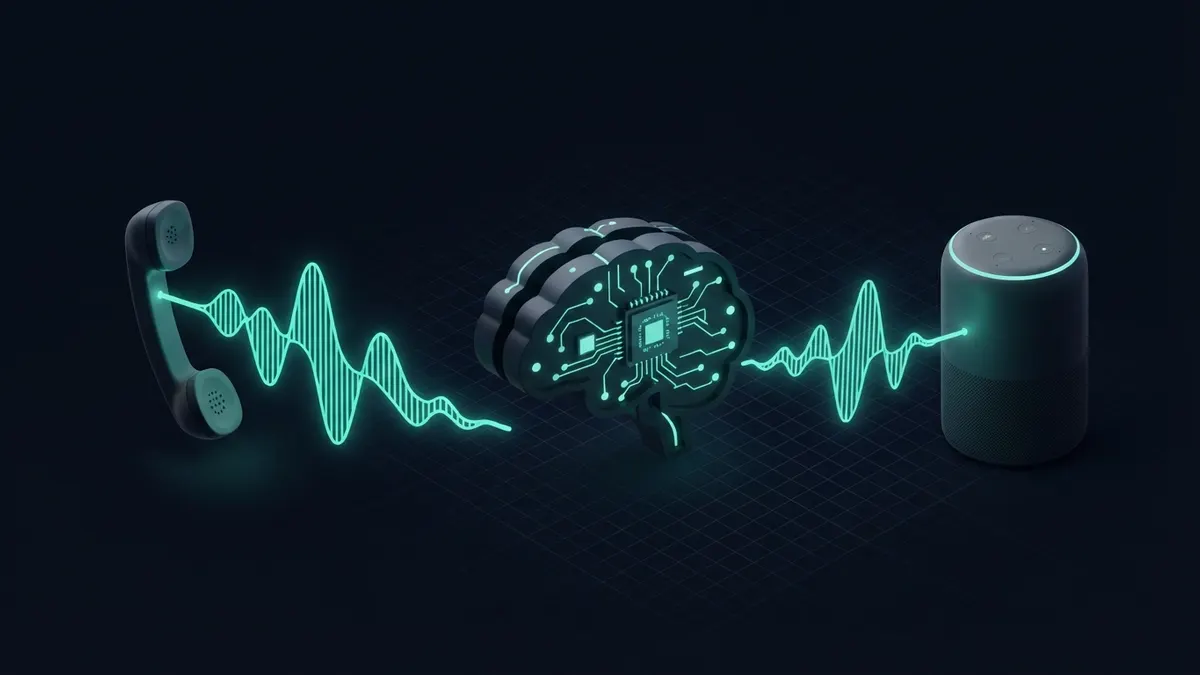
A voice AI agent chains voice activity detection, speech-to-text, an LLM and text-to-speech over a real-time transport. Use a framework such as Pipecat or LiveKit Agents to handle streaming and interruptions, stream every stage, and design for turn-taking and latency before you tune the prompt.
What is a voice AI agent made of?
Every voice agent is a pipeline. Audio arrives from a phone call or browser, a voice activity detector decides when the user is speaking, speech-to-text turns it into words, an LLM decides what to say or which tool to call, and text-to-speech turns the reply back into audio.
The hard part is not any single model. It is moving audio between them fast enough that the conversation feels natural, and handling the moment a user interrupts the agent mid-sentence.
Some newer models handle audio in and audio out directly, skipping separate transcription and synthesis. They can feel more natural, but a cascaded pipeline is still easier to debug, to swap piece by piece and to run with self-hosted components, so most open-source stacks start there.
Which open-source stack should you choose?
Two open-source frameworks dominate new projects: Pipecat, a Python framework for building real-time voice and multimodal pipelines, and LiveKit Agents, which builds on LiveKit’s WebRTC infrastructure. Both let you swap providers for each stage. Check each project’s licence file before you ship.
| Component | Open-source options | Best for | Trade-off |
|---|---|---|---|
| Orchestration | Pipecat, LiveKit Agents | Streaming pipelines with interruption handling | You adopt their abstractions and release cadence |
| Transport | WebRTC (LiveKit server), SIP gateways, WebSockets | Browser, app or phone calls | Telephony adds a SIP or carrier layer to run |
| Voice activity detection | Silero VAD, WebRTC VAD | Detecting speech start and end | Aggressive settings cut users off |
| Speech-to-text | Whisper, faster-whisper, Vosk | Self-hosted transcription | Batch-style models need tricks for low latency |
| Text-to-speech | Piper, Coqui-derived models, Kokoro | Self-hosted voices | Quality and licence terms vary by voice model |
| LLM | Hosted API or local model via vLLM or Ollama | Reasoning and tool calls | Large local models may be too slow for live turns |
How do you build one step by step?
- Pick the channel first: browser or mobile app over WebRTC, or phone calls through a SIP provider. This decides your transport and audio format.
- Start from a framework example that already streams audio end to end, then replace one component at a time.
- Stream speech-to-text so partial transcripts arrive while the user is still talking.
- Stream the LLM response and send it to text-to-speech sentence by sentence rather than waiting for the full reply.
- Enable interruption: when the user starts speaking, stop playback, cancel pending generation and keep what was actually spoken in the conversation history.
- Keep the system prompt voice-specific: short sentences, no lists or markdown, numbers written the way they should be spoken.
- Add tools, such as calendar booking or order lookup, and say a short filler line while a slow tool runs.
- Record calls, with consent where the law requires it, and review transcripts to find misunderstandings.
Why is latency the main design problem?
In a text chat, a few seconds of waiting is fine. In a voice call, the same pause makes people repeat themselves or hang up. Every stage adds delay: end-of-speech detection, transcription, the model’s first token, and the first chunk of synthesized audio.
The fixes are structural. Stream every stage, keep components in the same region, use a smaller or faster model for the conversational turn, and reserve heavier reasoning for tool calls that can be announced with a short acknowledgment.
Measure time from the end of the user’s speech to the first audio byte of the reply, per stage. Without that breakdown you will optimize the wrong component.
Network placement matters as much as model choice. A media server in one region calling a model in another and a speech service in a third adds round trips on every turn. Co-locate what you can and reuse warm connections instead of opening new ones per request.
How should turn-taking and interruptions work?
Silence-based end-of-turn detection is the simplest approach and the most error-prone. People pause mid-thought, and a fixed threshold either cuts them off or waits too long.
Newer setups combine voice activity detection with a turn-detection model that looks at the words so far. Whatever you use, make the thresholds configurable and test with real callers, including slow speakers and noisy rooms.
Backchannel sounds are a separate problem. A caller saying “uh-huh” while the agent talks is not always an interruption, and stopping playback every time makes the agent feel jumpy. Decide which short utterances should pause the agent and which should be ignored.
Keep the conversation history honest after an interruption. If the agent was cut off halfway through a sentence, store only the part the caller heard, or the model will assume information was delivered when it was not.
Where does it break? Common mistakes
- Reusing a text chatbot prompt, so the agent reads out bullet points, URLs and markdown symbols.
- Ignoring echo. Without echo cancellation the agent hears itself and interrupts its own reply.
- Assuming transcription is perfect. Names, emails and order numbers need spelling confirmation or a different input path.
- No fallback when a provider is slow, leaving callers in silence.
- Forgetting telephony audio quality. Phone audio is narrowband, and models tuned on clean speech perform worse on it.
- Skipping disclosure and consent. Many jurisdictions regulate call recording and automated calls; check the rules for your market.
How do you give a voice agent tools?
Tool calling works the same way as in a text agent, but the user hears the delay. Announce slow actions with a short spoken line such as “Let me check that booking,” and play it while the tool runs so the line never goes silent.
Design tools for spoken input. A caller says “next Tuesday afternoon,” not an ISO date, so the tool or a normalization step must resolve relative dates, time zones and spelled-out numbers. Confirm anything that changes state by reading it back before you commit.
Keep the tool list short. Every extra tool adds tokens to each turn and increases the chance of a wrong call, which costs more in voice because correcting it takes a spoken exchange.
How do you test a voice agent before real callers?
- Record a set of test utterances with different accents, speeds and background noise, and replay them through the full pipeline.
- Script multi-turn scenarios, including interruptions, corrections and a caller who goes silent.
- Log per-stage timings for every test turn and fail the run when the end-to-end response time regresses.
- Check transcripts against expected intents rather than exact wording, since speech-to-text output varies.
- Run a small internal pilot on real phones before exposing the agent to customers.
Should you self-host speech models?
Self-hosting speech-to-text and text-to-speech gives you control over data and cost at steady volume, but real-time serving needs GPUs placed close to the transport servers. Hosted speech APIs are often faster to reach good latency.
A common middle path is a framework like Pipecat or LiveKit Agents with hosted speech services at first, then swapping in self-hosted Whisper-family or Piper models for the stages where data control or cost matters most.
Language coverage should drive the choice as much as cost. Check how each speech model handles your callers’ languages, accents and domain vocabulary on your own recordings, because general quality claims rarely match a specific call center.
Frequently asked questions
- Is Pipecat or LiveKit Agents better?
- Neither is universally better. LiveKit Agents fits well if you want LiveKit’s WebRTC server and rooms as your transport. Pipecat is transport-flexible and pipeline-oriented. Build the same small prototype in both, measure latency and code clarity, and check each licence file before committing.
- Can I build a voice agent fully offline?
- Yes, with local voice activity detection, a Whisper-family model, a local LLM and a local TTS model such as Piper. Expect more latency and lower quality than hosted services unless you have capable GPUs, and plan time for tuning each model for your language and audio conditions.
- How do I connect a voice agent to phone numbers?
- Use a telephony provider or SIP trunk that can bridge calls into your media server or framework. LiveKit supports SIP, and Pipecat has transports for common telephony providers. Check each provider’s audio codec, region and recording rules before you design the rest of the pipeline.
- What language model works best for voice?
- One that responds quickly with a short first sentence and handles tool calls reliably. Big reasoning models often feel slow in live conversation. Many teams use a fast model for the conversational turn and call a stronger model only inside specific tools where accuracy matters more than speed.